The Events Calendar module now offers additional list layout options, allowing visitors to browse events in the format that works best for them, and letting your team to choose a default display that best serves your website page.
Available views include:
- Map View
- Card View
- Calendar View
- List View
What Visitors Will See:
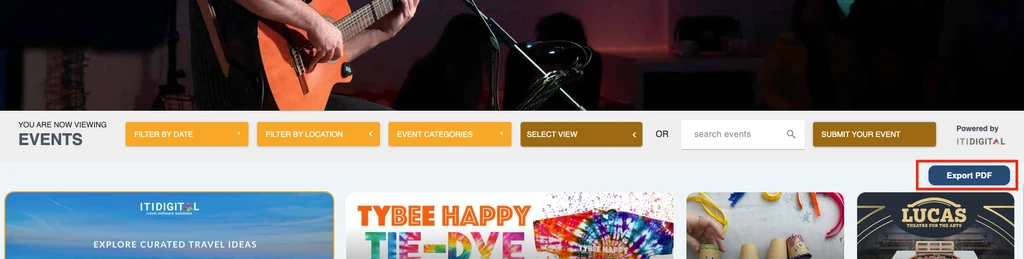
Visitors can switch between these views using the Select View menu.
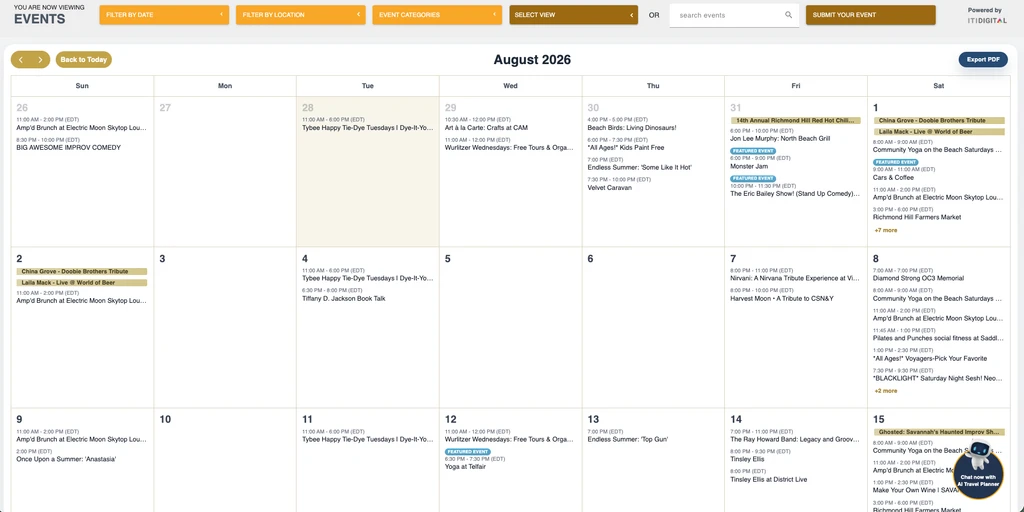
Calendar 'Monthly' View:
The Calendar View displays events in a traditional monthly calendar layout, making it easy to browse events by date.
List View:
The List View displays events in a continuous scrolling list, without images, allowing visitors to quickly browse upcoming events.
New: Publicly Available Event PDF Export Functionality
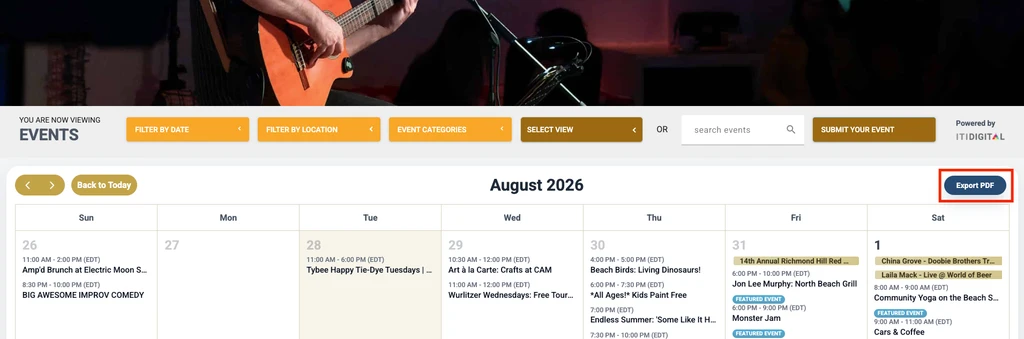
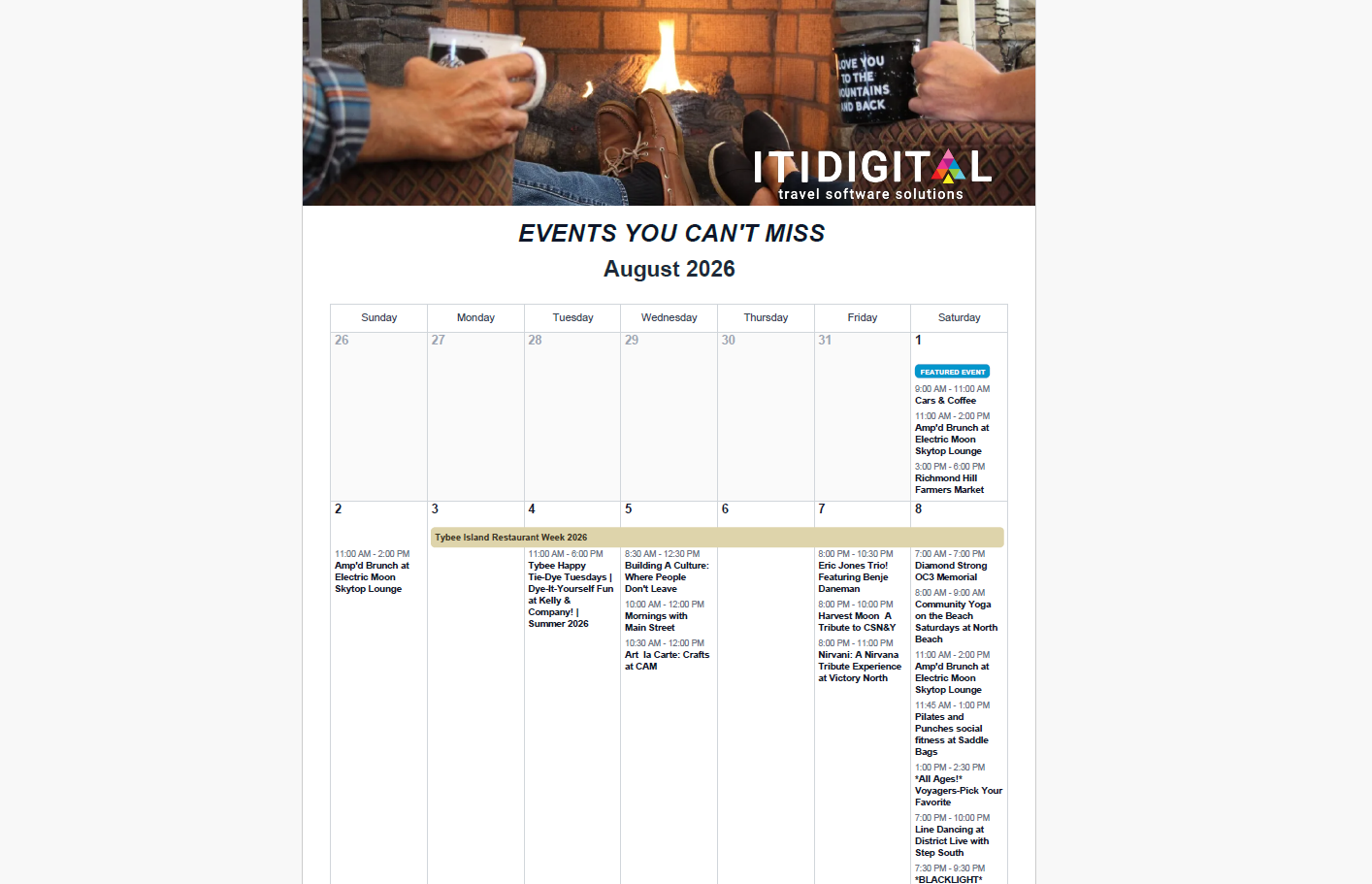
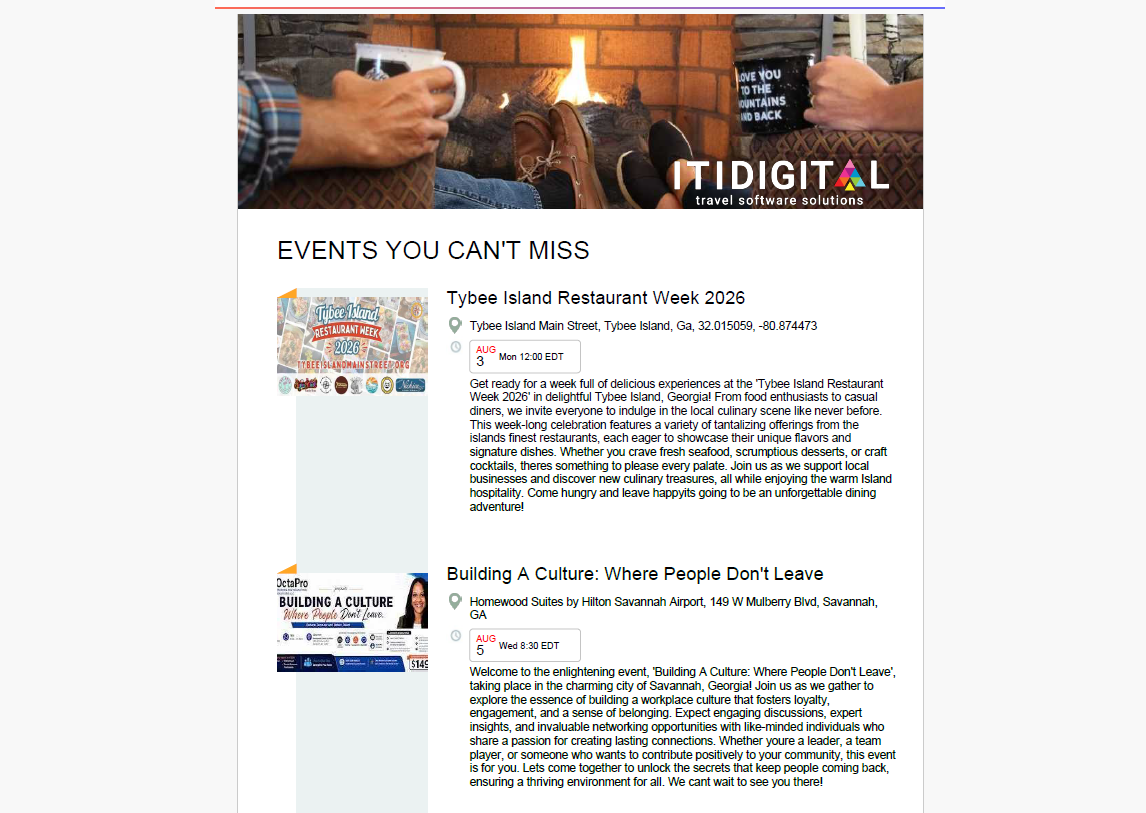
An Export PDF button is available in every Events Calendar layout view. These exports reflect the variations in layout, according to what view the user has selected. Although the Export PDF continues to be available in the DXP Dashboard, this quick access to visitors in your website makes the calendar even more valuable.
Visitors can click Export PDF to download a PDF containing the events currently displayed in the selected view.
Export Calendar For Month View
Export Calendar For List View
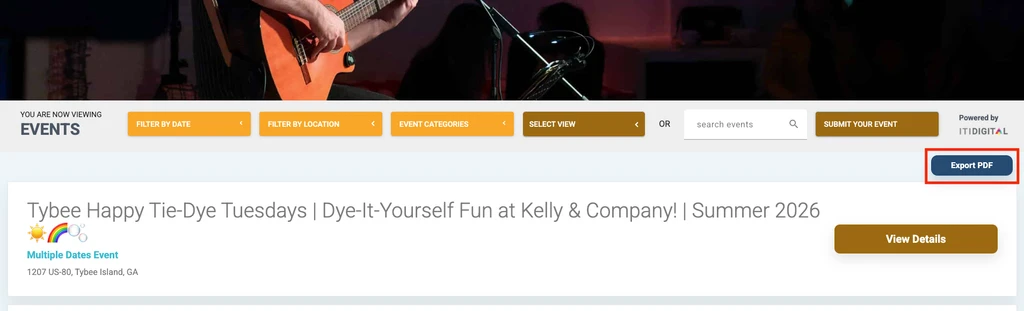
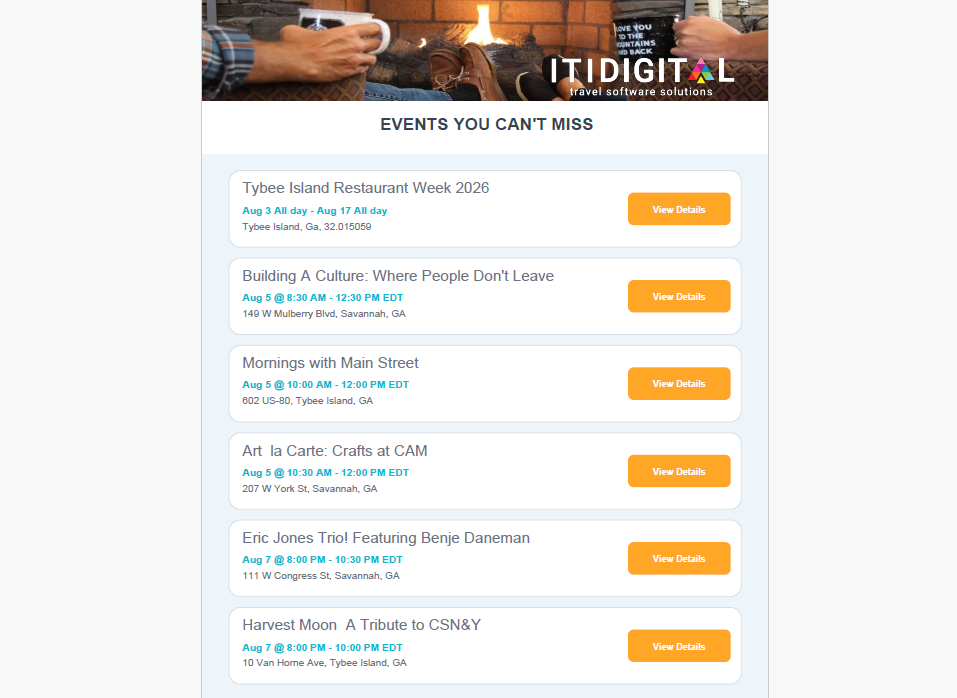
Export Calendar For Card Style View
Was this article helpful?
That’s Great!
Thank you for your feedback
Sorry! We couldn't be helpful
Thank you for your feedback
Feedback sent
We appreciate your effort and will try to fix the article