The AI Travel Planner can be customized to fit your branding and organizational needs!
✅ Name the AI Travel Planner
✅ Upload an avatar or badge, make it your website mascot!
✅ Recommend DMO suggested trips and itineraries, frequently asked questions
Step-by-Step: Use Bulk Management for Places
Step 1: Log in to your DXP Dashboard
Navigate to: AI Travel Planner - Display Settings
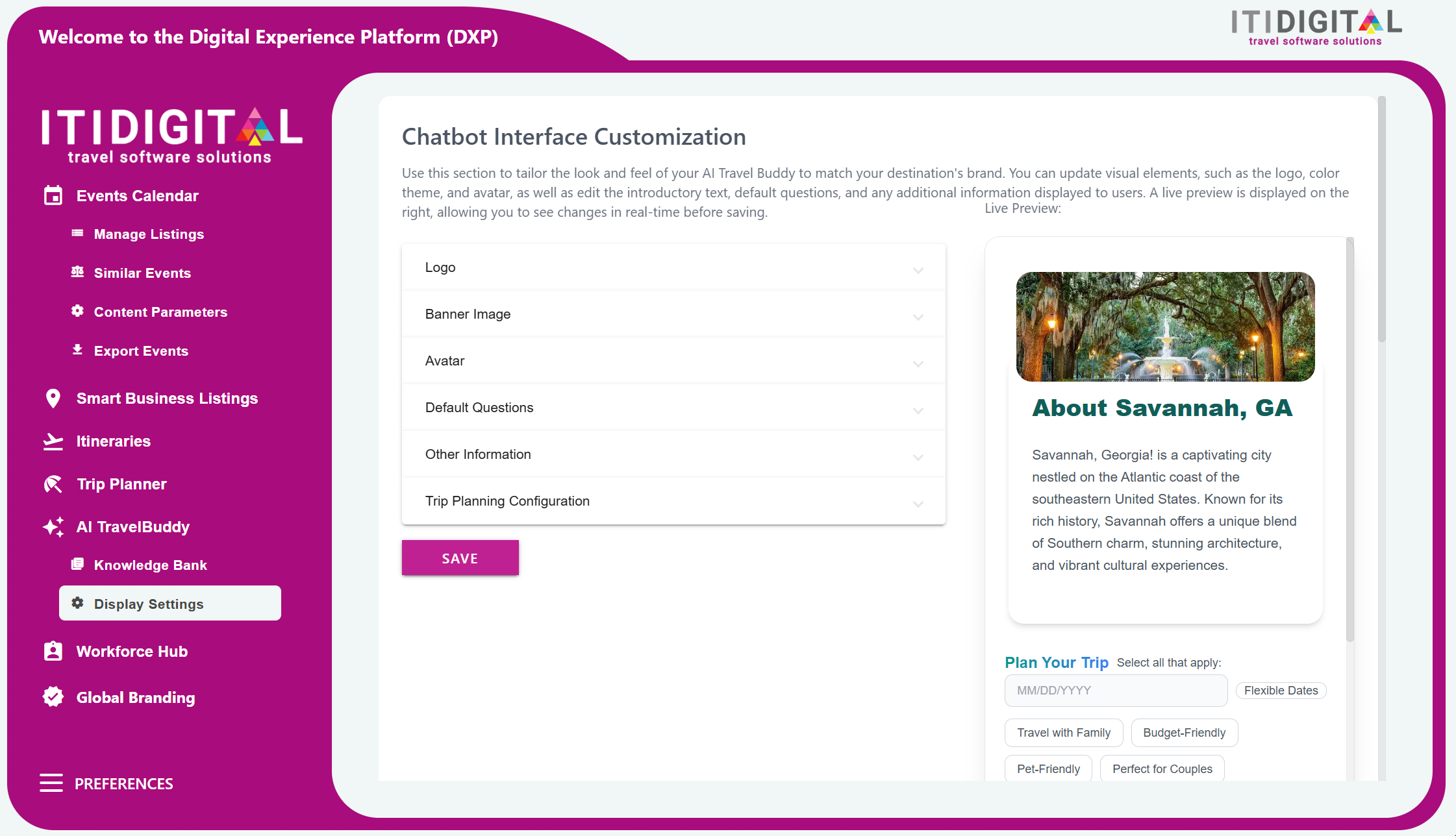
Step 2: Customizable Features
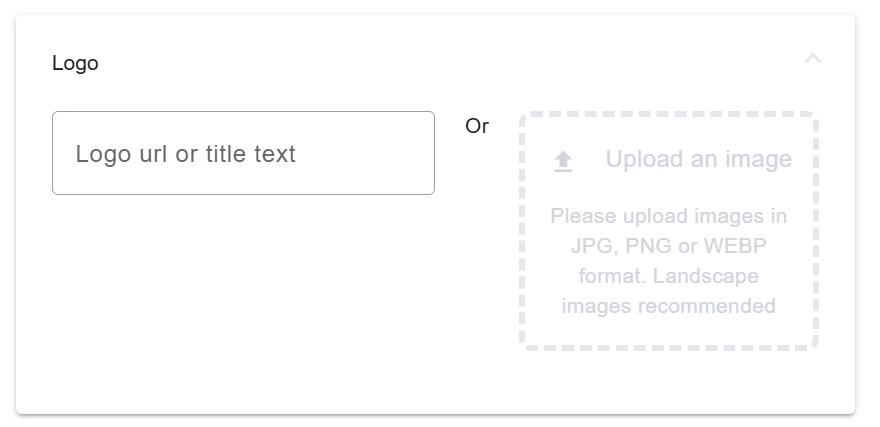
Logo: Update your logo or tile text in the dialog screen of the Travel Planner
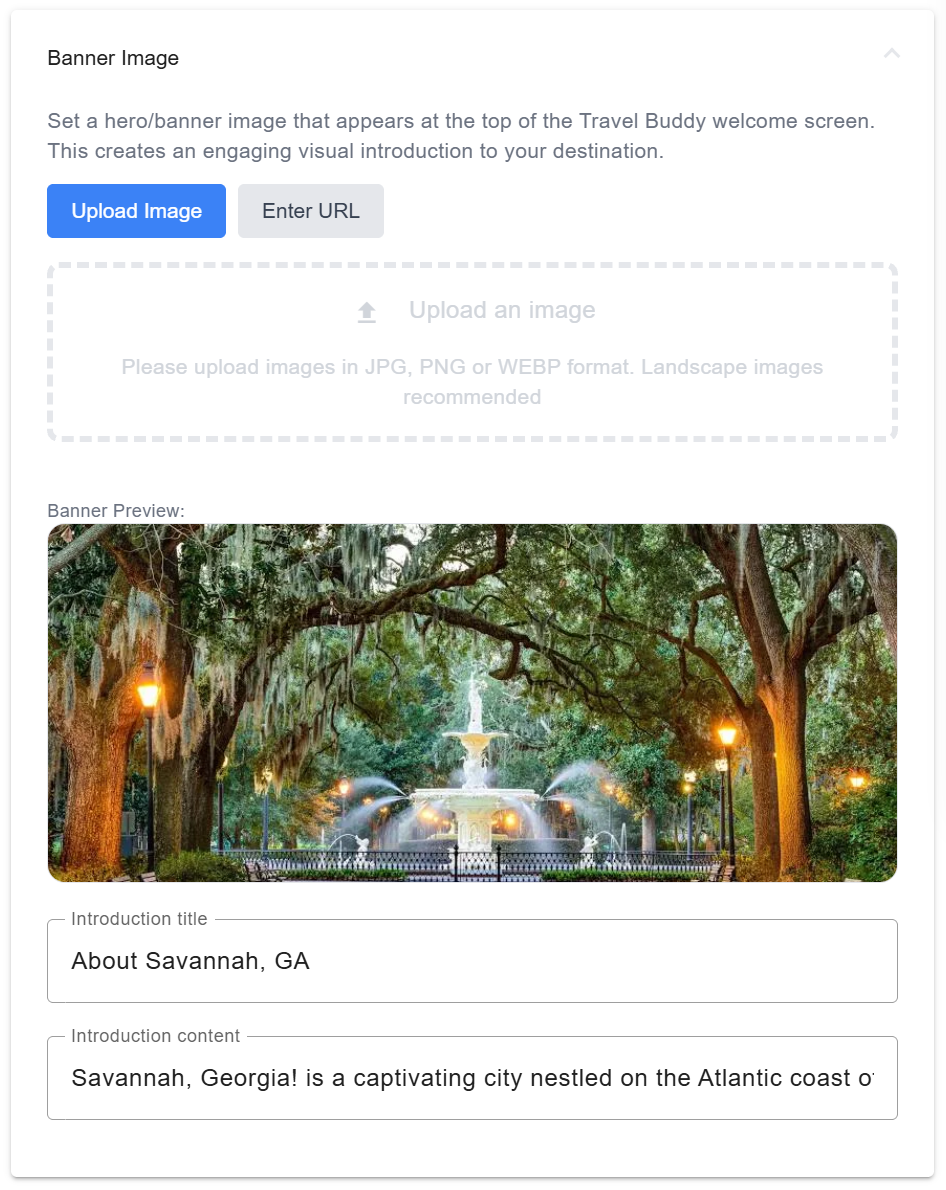
Banner Image: Upload a banner image, introduction title and a brief description of your area!
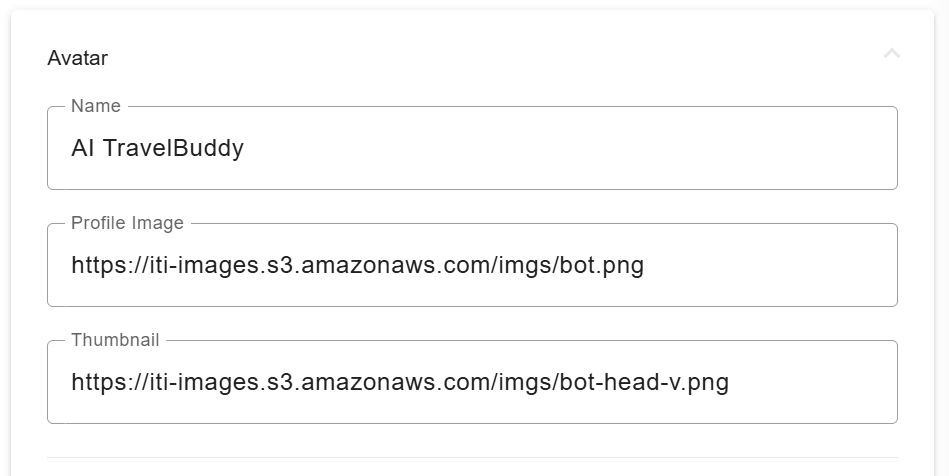
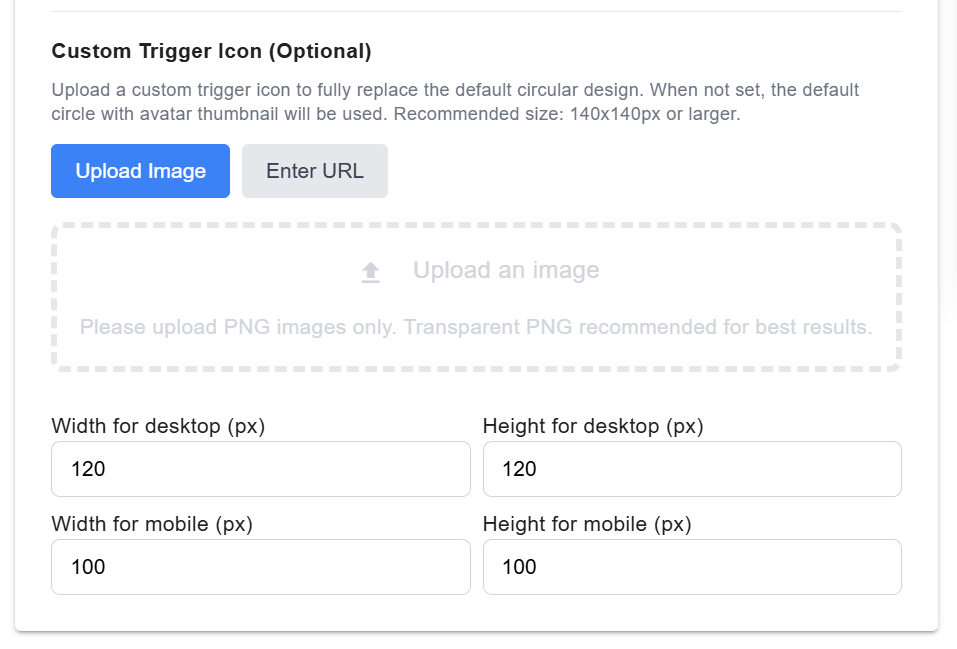
Avatar: Upload an avatar or a custom trigger icon and name your AI Travel Planner
1. Avatars are placed over the circular banner icon:

2. Custom Trigger Icons: this will replace the circular icon shown above to display only your avatar, badge, or logo. You can adjust the size as well!
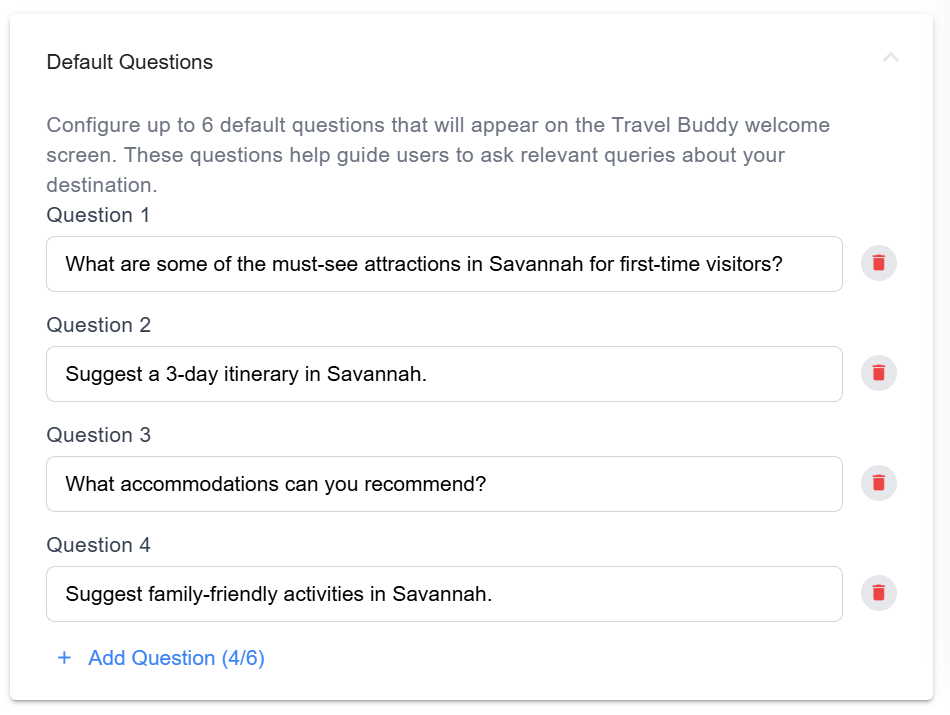
Default Questions: Customize the default questions that will prompt users when they open the AI Travel Planner
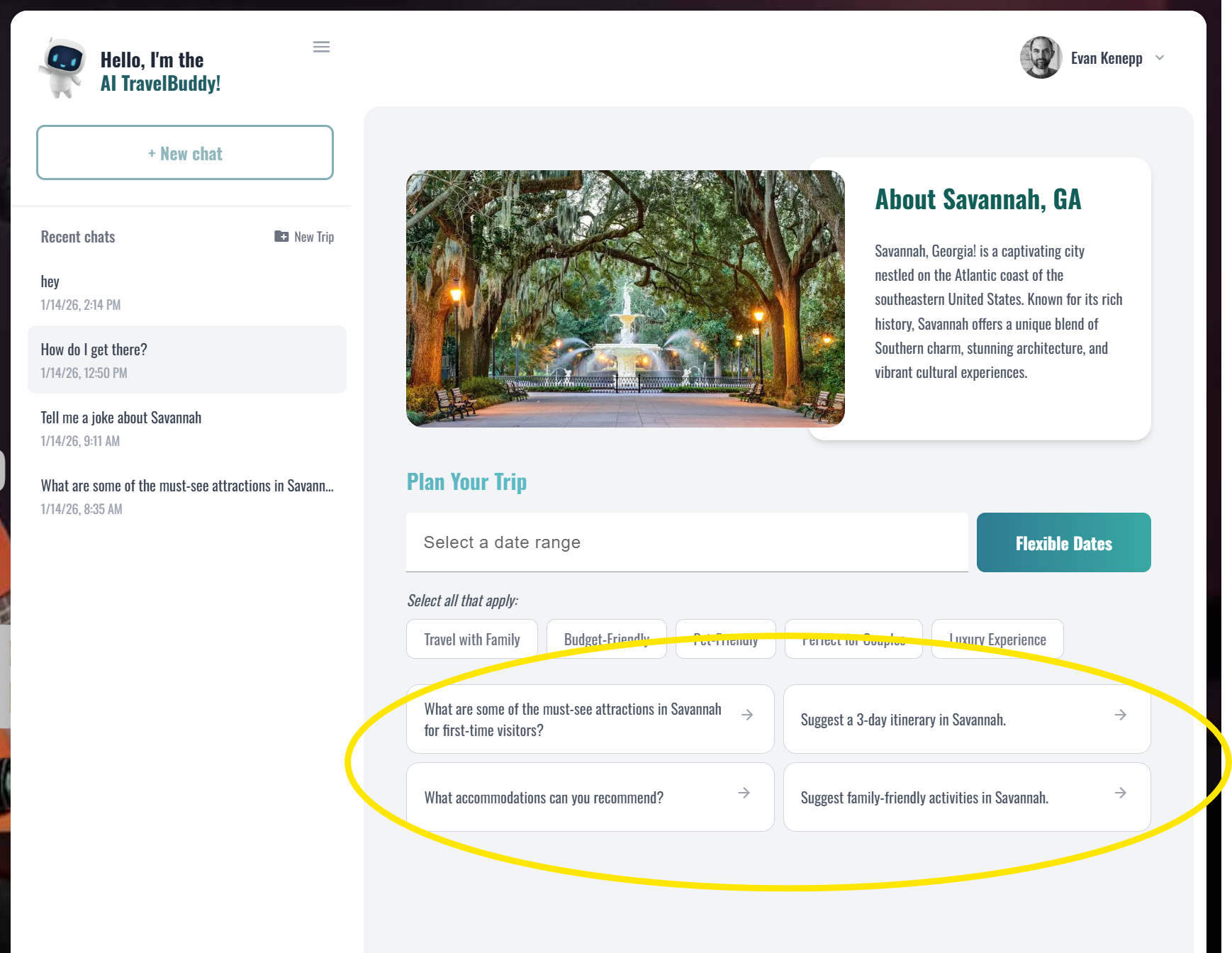
This is how they will look!
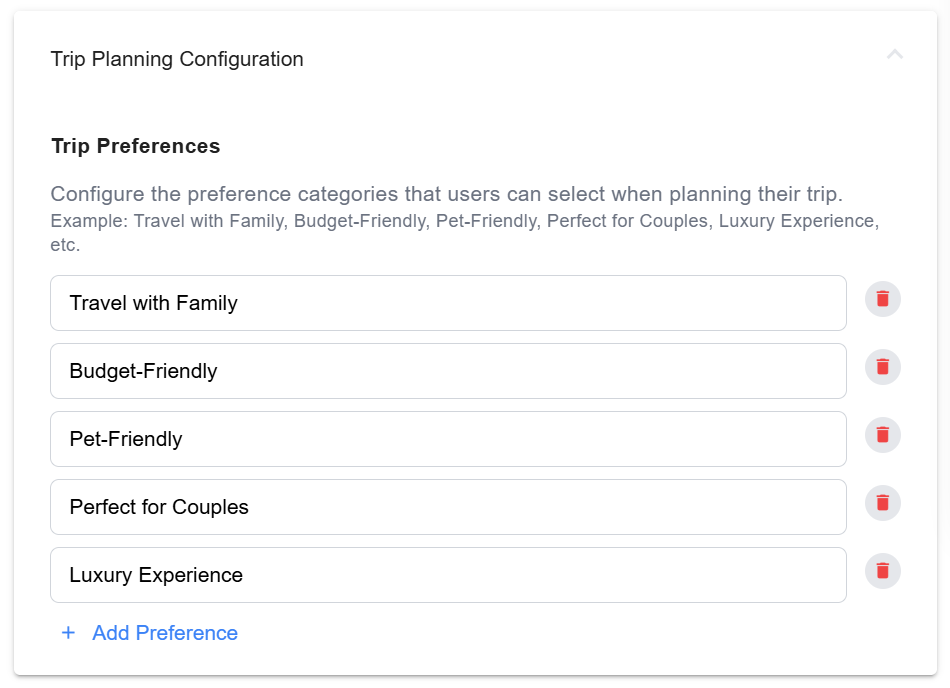
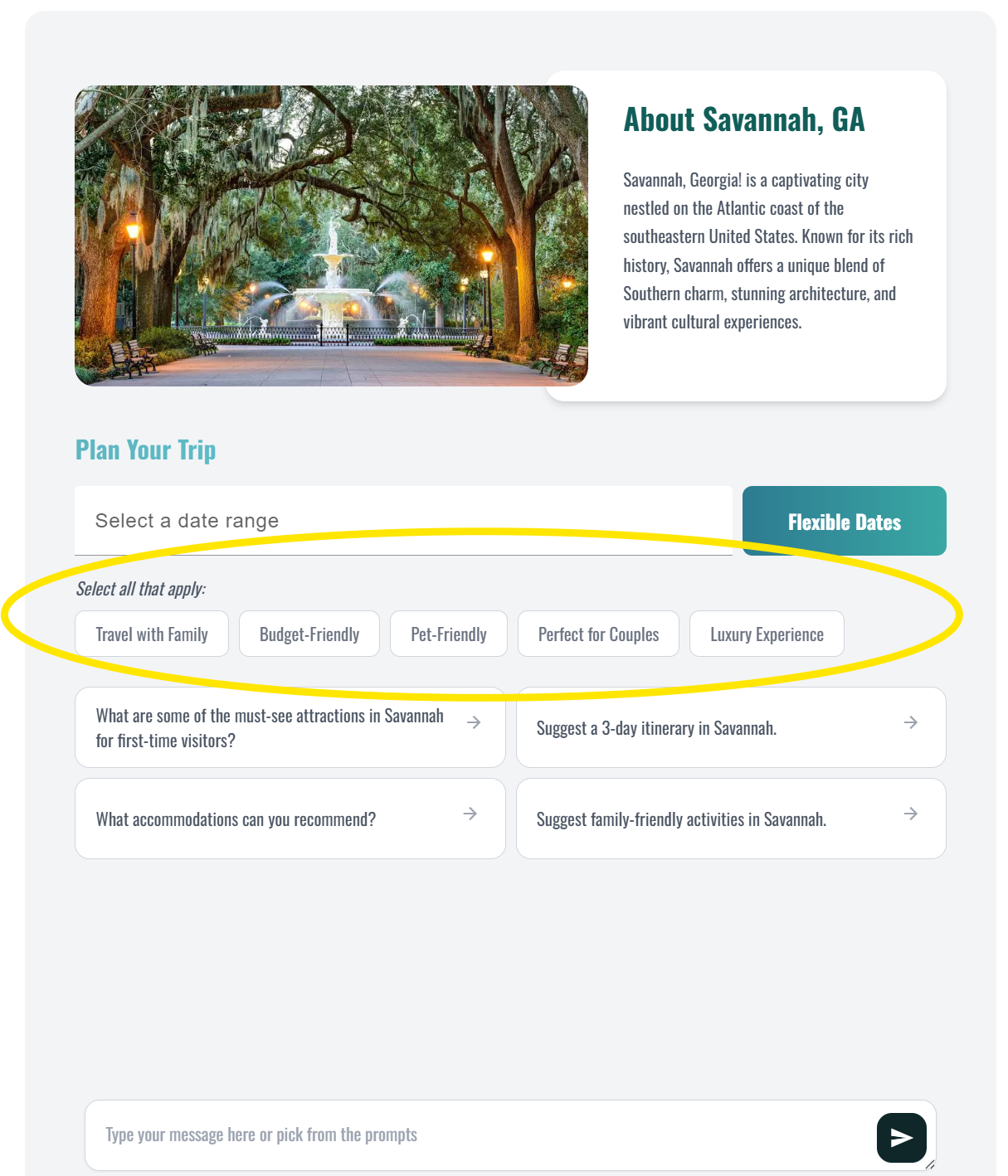
Trip Planning Configuration: you can specify preferences in the Travel Planner settings, allowing users to filter the Travel Planner's responses through these preferences.
Example: If the 'Budget Friendly' preference is selected by a site visitor, then all responses from the AI Travel Planner will consider this preference, focusing on inexpensive activities and experiences.
This is where visitors may select from these preferences:
Other Information:
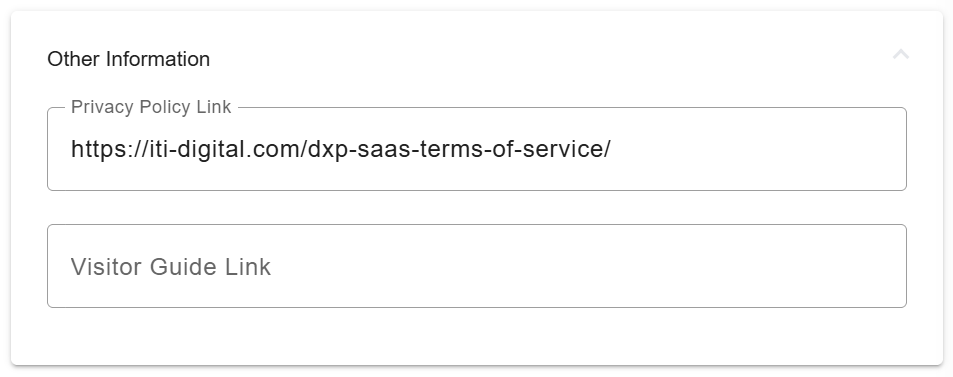
Here you may provide links to your DMO Visitors Guide, and we display the ITI Digital Travel Planner Terms of Service.
Click the Save button at the bottom of the screen to publish any updates made.

Submit a support ticket in the ITI Digital Support Portal at https://itidigital.freshdesk.com/support/home or email us at support@itidigital.freshdesk.com if you have any questions!
Was this article helpful?
That’s Great!
Thank you for your feedback
Sorry! We couldn't be helpful
Thank you for your feedback
Feedback sent
We appreciate your effort and will try to fix the article