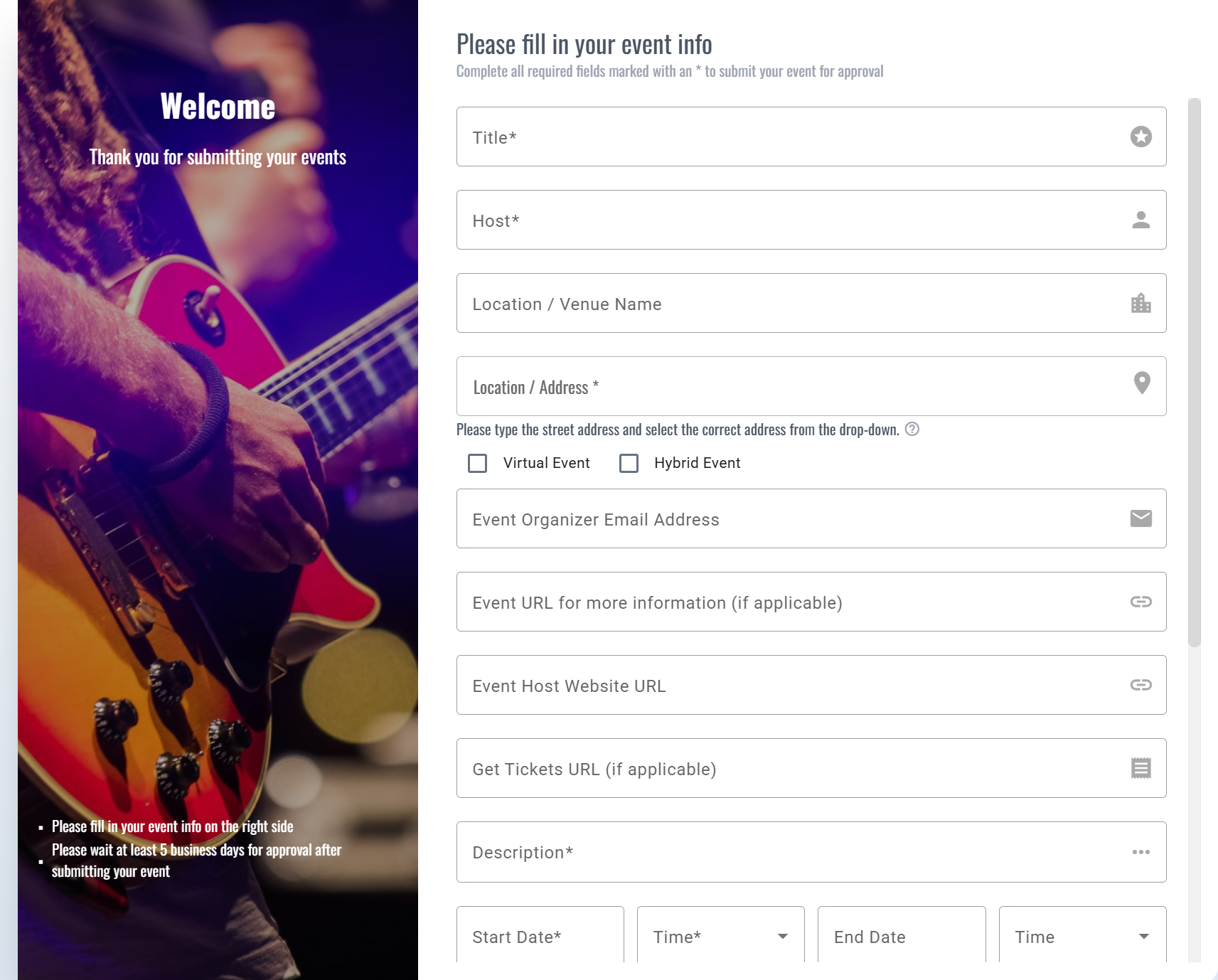
The event submission form found on your Event Calendar module can be embedded directly to a page.
The form is available to all visitors in the Submit Your Event button, located in the Events module:

To embed the form directly to a page, take your standard Event Calendar module code and add /submit-embedding to the route after account-hubname/events. See below in bold:
<div id="imgoingcalendar-wrapper" route="/Savannah/events/submit-embedding" url-change="true" version="V3">
<app-root></app-root>
<script type="text/javascript" src="https://imgoingcalendar.com/imgoingscript.js"></script>
</div>
Add this code to your unique event submission page and the submission form will display in full!
Was this article helpful?
That’s Great!
Thank you for your feedback
Sorry! We couldn't be helpful
Thank you for your feedback
Feedback sent
We appreciate your effort and will try to fix the article