Setting up recurring or repeating events is easy in the DXP Event Dashboard!
Video Tutorial:
Step by Step:
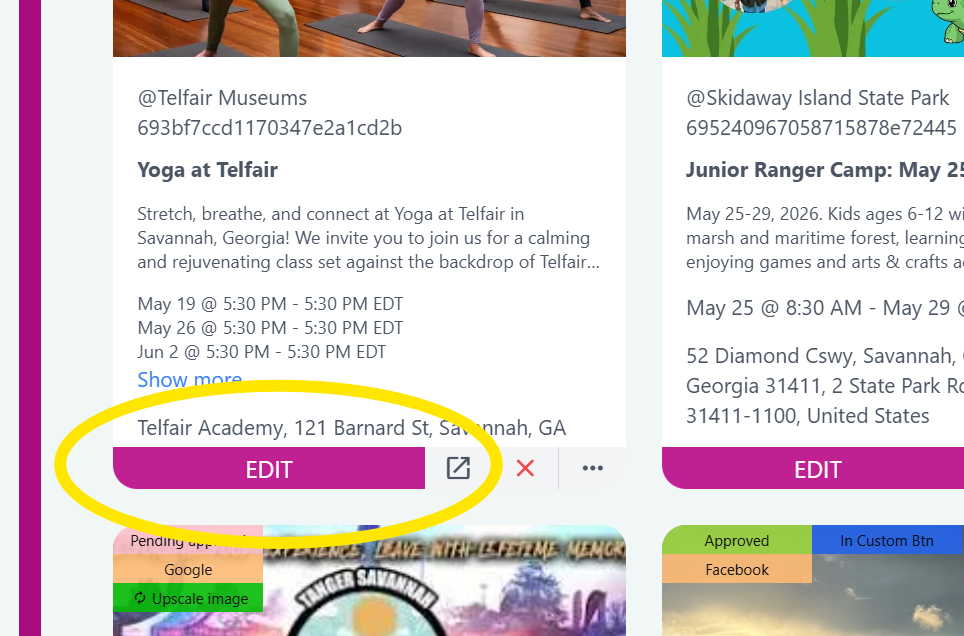
Click on the Edit button to open up the Event Detail window.
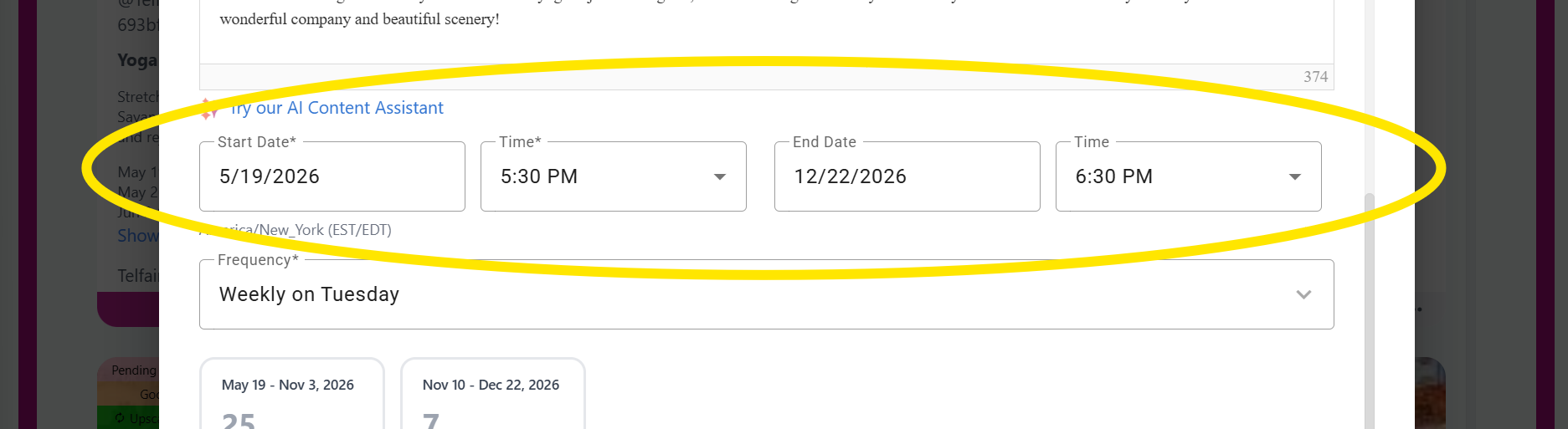
Scroll down to find the Date and Time fields. Set a Start Date and Time, then an End Date and Time.
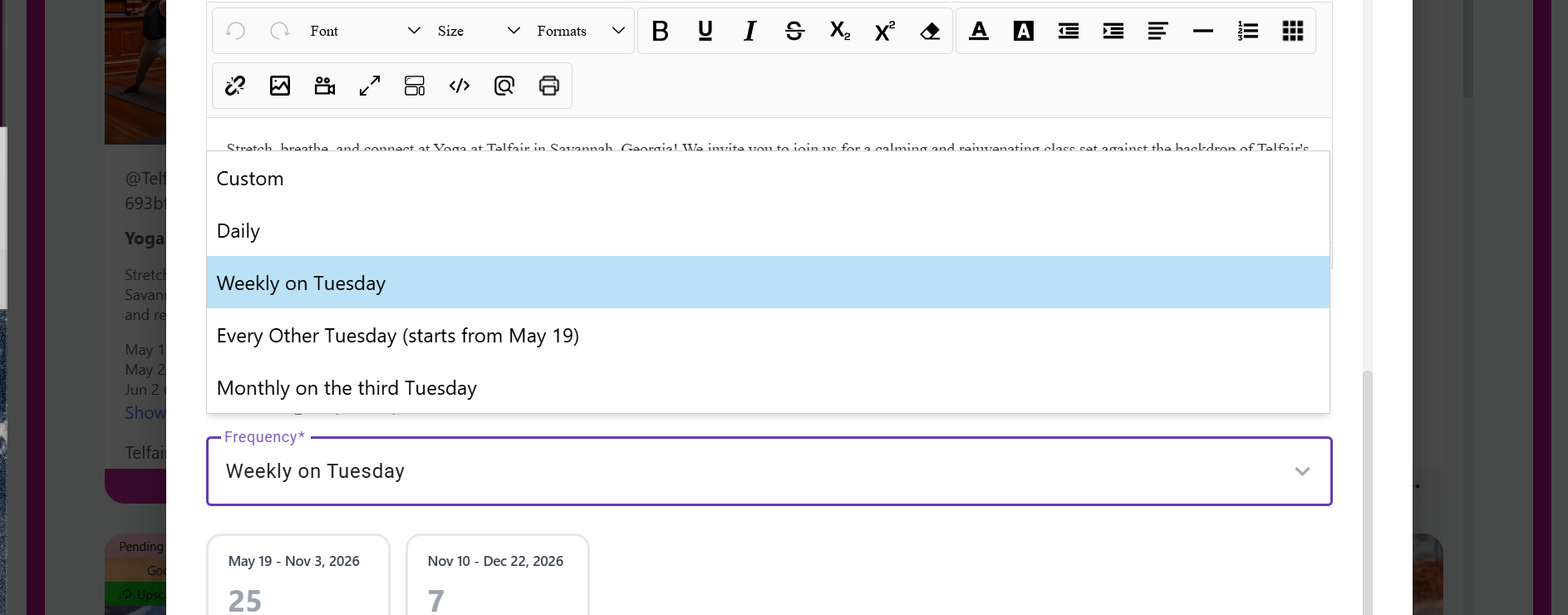
Select a Frequency from the drop down. Example: 'Weekly on Wednesday'
Tip: The Start Time and End Time represent the hours for each recurring event.
Customize:
Pencil Icon: Edit the Date/Time
Trash can: remove this Date
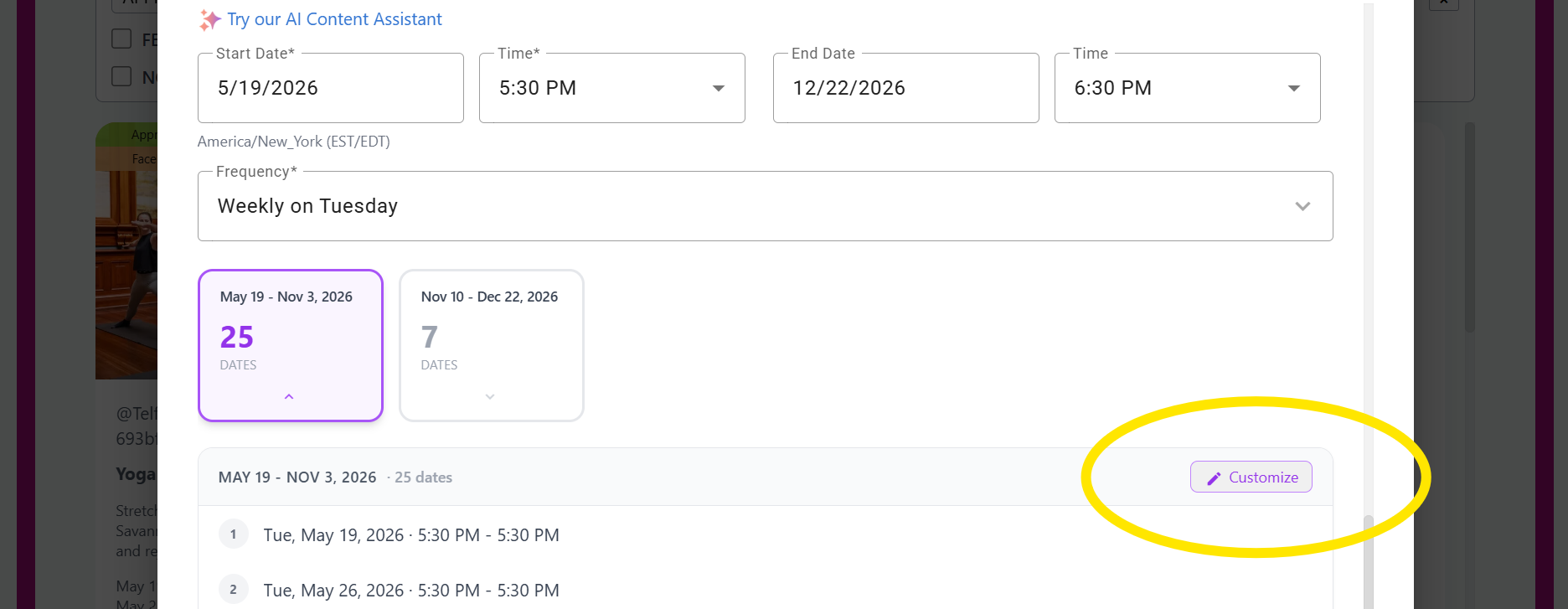
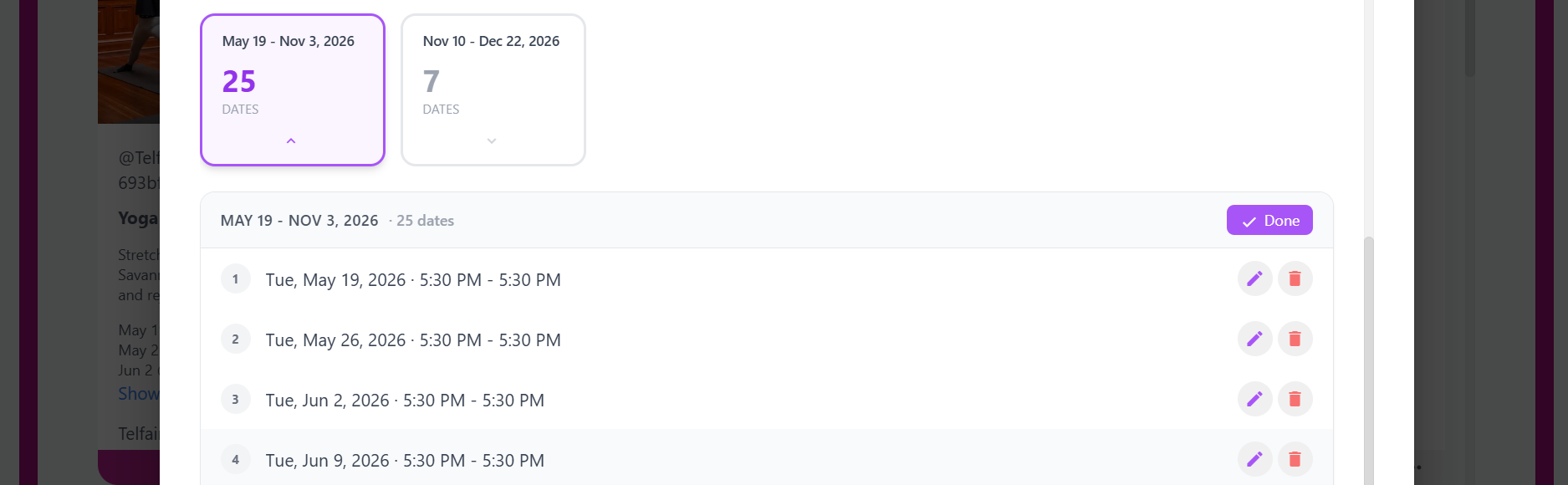
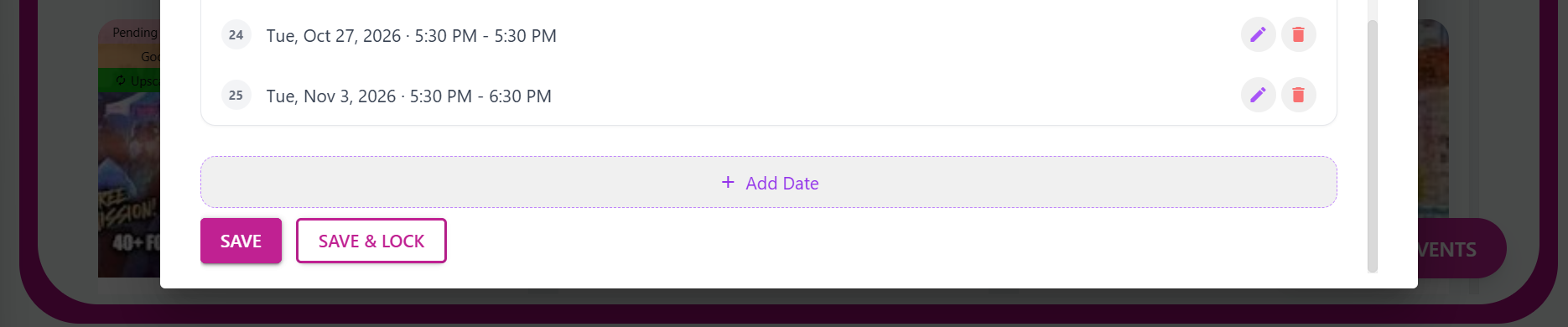
Add Date (button located at the bottom of the window): add another date to the series
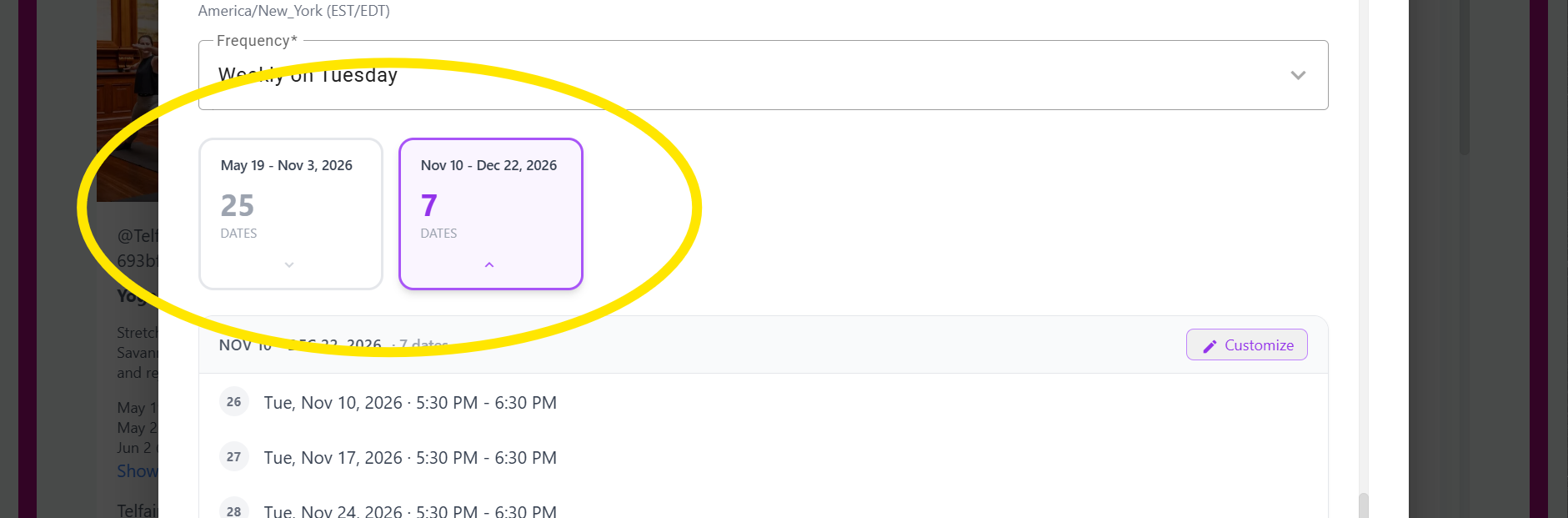
Groups:
If there are more than 25 recurring events, they will be grouped into sets of 25.
Save and Lock the changes to prevent them from reverting in future system updates!

Was this article helpful?
That’s Great!
Thank you for your feedback
Sorry! We couldn't be helpful
Thank you for your feedback
Feedback sent
We appreciate your effort and will try to fix the article